Affiliate disclosure: This article may contain affiliate links. If you sign up or purchase through these links, we may earn a commission at no additional cost to you.
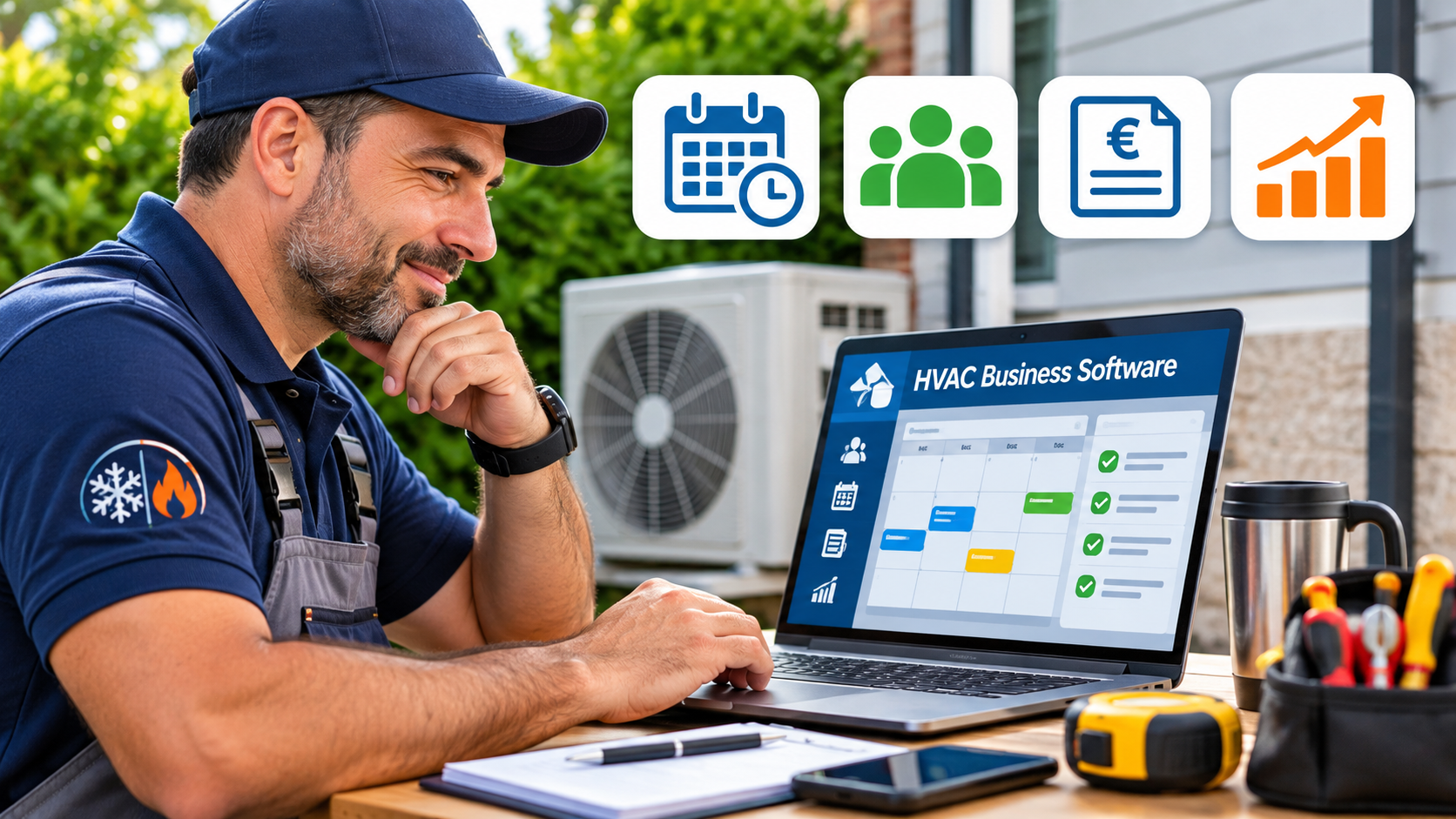
Choosing the best HVAC business software can help heating and cooling contractors save time, manage customers, and run their daily operations more efficiently. Whether you operate a small HVAC company or manage a growing team, the right software can make a significant difference.
HVAC businesses often need tools for scheduling appointments, managing customer information, preparing estimates, sending invoices, and following up with potential customers. However, not every software platform offers the same features, and choosing the right solution depends on your business needs and budget.
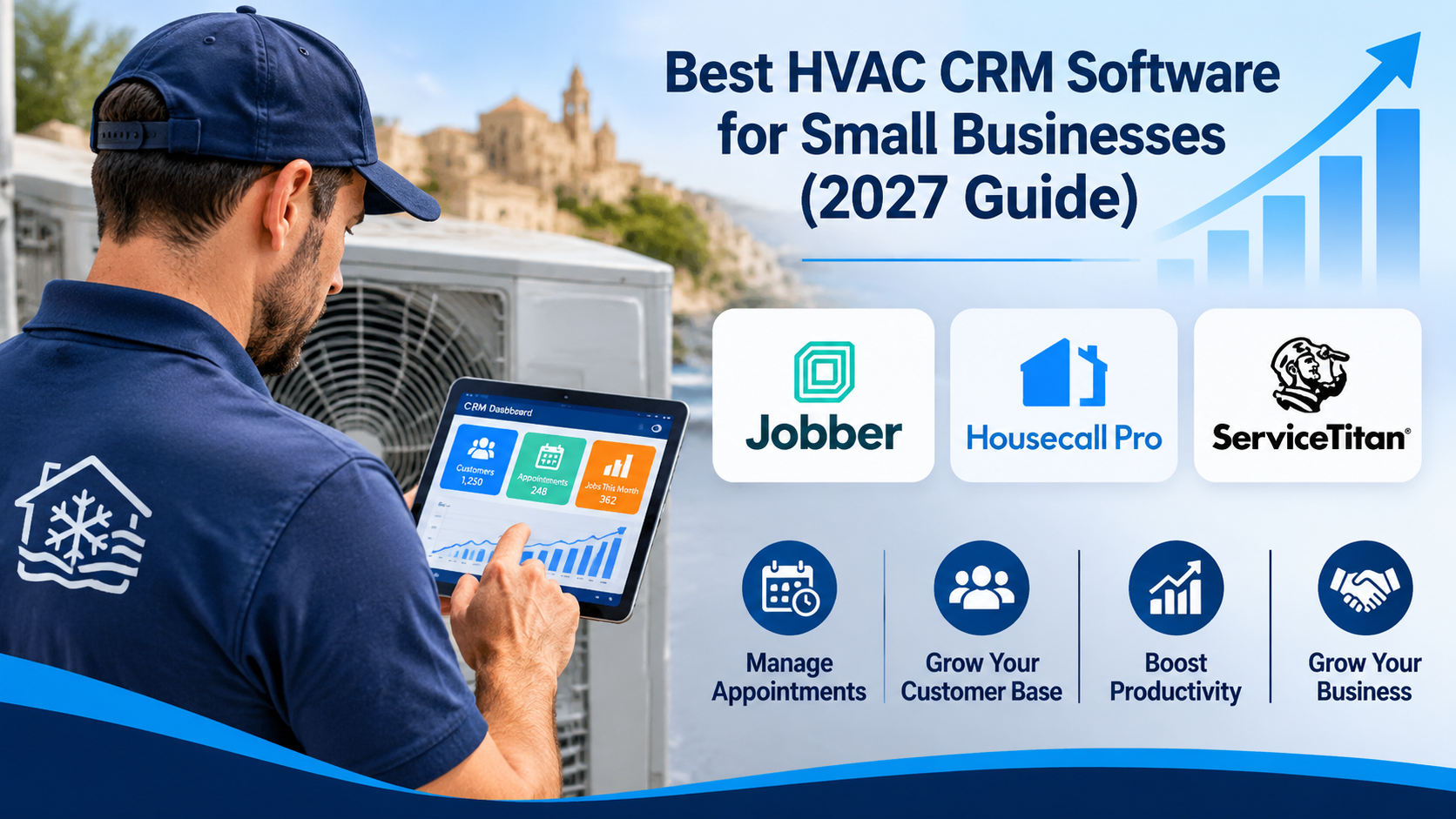
In this 2027 guide, we’ll explore popular HVAC business software options, including Jobber, Housecall Pro, ServiceTitan, and GoHighLevel. We’ll compare their main features, advantages, limitations, and suitability for different HVAC businesses to help you make an informed decision.
What Is HVAC Business Software?
HVAC business software refers to digital tools designed to help heating, ventilation, and air conditioning companies manage their daily operations. These tools can simplify tasks such as customer management, appointment scheduling, job tracking, invoicing, and communication with customers.
Some HVAC software platforms focus mainly on customer relationship management (CRM), while others provide complete field service management solutions. More comprehensive systems may include technician scheduling, dispatching, payment processing, reporting, and marketing automation.
For small HVAC businesses, choosing suitable software can help reduce administrative work, improve customer service, and support business growth. The best option depends on the company’s size, budget, and operational requirements.
Key Features to Look for in HVAC Business Software
The best HVAC business software should help contractors manage their daily operations efficiently while improving customer service. Here are some important features to consider:
- Customer Relationship Management (CRM): Store customer contact details, service histories, and communication records in one place.
- Appointment Scheduling: Organize service appointments, manage calendars, and reduce scheduling conflicts.
- Technician Dispatching: Assign jobs to available technicians and help coordinate field service activities.
- Estimates and Invoicing: Create professional estimates, generate invoices, and track customer payments.
- Reporting and Analytics: Monitor business performance, track completed jobs, and identify opportunities for improvement.
- Marketing Automation: Automate certain customer follow-ups, appointment reminders, and marketing communications where supported.
Not every HVAC software platform includes all these features. Small businesses should prioritize the tools they need most and consider whether the software can support future growth.
Best HVAC Business Software Options for 2027
1. Housecall Pro – Best for Small and Growing HVAC Businesses
Housecall Pro is a field service management platform designed to help HVAC contractors manage their daily operations. It combines appointment scheduling, technician dispatching, customer management, estimates, invoicing, and payment collection in one system.
For small and growing HVAC companies, Housecall Pro can help organize service appointments, improve communication between office staff and technicians, and reduce administrative work. It also offers mobile tools that allow technicians to access job information while working in the field.
Key Features of Housecall Pro
- Scheduling and Dispatching: Organize appointments, assign jobs to technicians, and manage daily schedules.
- Customer Management: Keep customer information, service histories, and job records organized.
- Estimates and Invoicing: Create professional estimates, send invoices, and track payments.
- Mobile App: Allow technicians to access job details, schedules, and customer information while working in the field.
- Automated Customer Communication: Send appointment reminders, service updates, and follow-up messages.
- Reporting: Monitor business performance using dashboards and reports.
Advantages
- Combines several essential HVAC business tools in one platform.
- Suitable for small businesses and growing service teams.
- Helps reduce repetitive administrative tasks.
- Supports communication between office staff, technicians, and customers.
Limitations
- Subscription costs may be a consideration for businesses with limited budgets.
- Some advanced features are available only with certain plans or additional purchases.
- Businesses may need time to learn the platform and configure their workflows.
Best For: Small and growing HVAC businesses looking for a comprehensive solution for scheduling, customer management, invoicing, and field service operations.
Explore Housecall Pro Features and Pricing
2. Jobber – Best for HVAC Scheduling and Job Management
Jobber is a field service management platform designed to help HVAC contractors organize their daily operations. It provides tools for customer management, job scheduling, technician dispatching, estimates, invoicing, and payment collection.
One of Jobber’s main advantages is its ability to bring customer information, appointments, and job details together in one system. HVAC business owners can manage their schedules, track work progress, and communicate with customers more efficiently.
Jobber also offers a mobile app that allows field technicians to access job information, update their work, and create invoices while away from the office.
Key Features of Jobber
- Scheduling and Dispatching: Organize appointments, assign jobs to technicians, and manage daily schedules.
- Customer Management: Store customer contact details, service histories, and job information in one place.
- Quotes and Estimates: Prepare professional quotes and send them to customers for approval.
- Invoicing and Payments: Create invoices, track payments, and offer supported online payment options.
- Mobile App: Allow technicians to access schedules, customer details, and job information while working in the field.
- Customer Communication: Send appointment reminders, job updates, and follow-up messages using supported features.
Advantages
- Combines scheduling, customer management, and invoicing in one platform.
- Suitable for small HVAC businesses and growing service teams.
- Helps reduce paperwork and administrative tasks.
- Provides mobile access for technicians working outside the office.
Limitations
- Subscription costs may be challenging for businesses with limited budgets.
- Certain advanced features are restricted to specific subscription plans.
- Some businesses may require additional integrations for specialized workflows.
Best For: Small and growing HVAC businesses that want to simplify scheduling, manage customer information, and organize daily field service operations.
Explore Jobber Features and Pricing
3. ServiceTitan – Best for Established and Growing HVAC Companies
ServiceTitan is a comprehensive field service management platform designed for HVAC contractors and other home service businesses. It offers tools for customer management, appointment scheduling, technician dispatching, estimating, invoicing, and business reporting.
ServiceTitan is particularly suited to established HVAC companies that need advanced tools to manage multiple technicians, coordinate office and field operations, and monitor business performance.
The platform also provides features for tracking sales opportunities, managing customer relationships, and analyzing operational performance. However, smaller HVAC businesses should carefully consider their budgets, software requirements, and implementation needs before choosing ServiceTitan.
Key Features of ServiceTitan
- Scheduling and Dispatching: Organize service appointments, assign technicians, and coordinate daily field operations.
- Customer Relationship Management: Maintain customer information, service histories, and communication records.
- Estimates and Invoicing: Prepare estimates, generate invoices, and manage billing processes.
- Technician Mobile Tools: Give field technicians access to job information, customer details, and supported mobile workflows.
- Reporting and Analytics: Monitor revenue, technician performance, and other important business metrics.
- Sales and Marketing Tools: Track sales opportunities and support customer communication and marketing activities.
Advantages
- Provides a comprehensive range of tools for managing HVAC operations.
- Supports businesses with multiple technicians and service teams.
- Offers reporting tools to help owners monitor business performance.
- Combines office management and field service operations within one platform.
Limitations
- May be more complex than smaller HVAC businesses require.
- Pricing generally requires contacting ServiceTitan for a customized quote.
- Implementation and staff training may require additional time.
- Some features may depend on the selected package or additional services.
Best For: Established and growing HVAC companies that need comprehensive field service management, advanced reporting, and tools to coordinate larger teams.
Explore ServiceTitan Features and Pricing
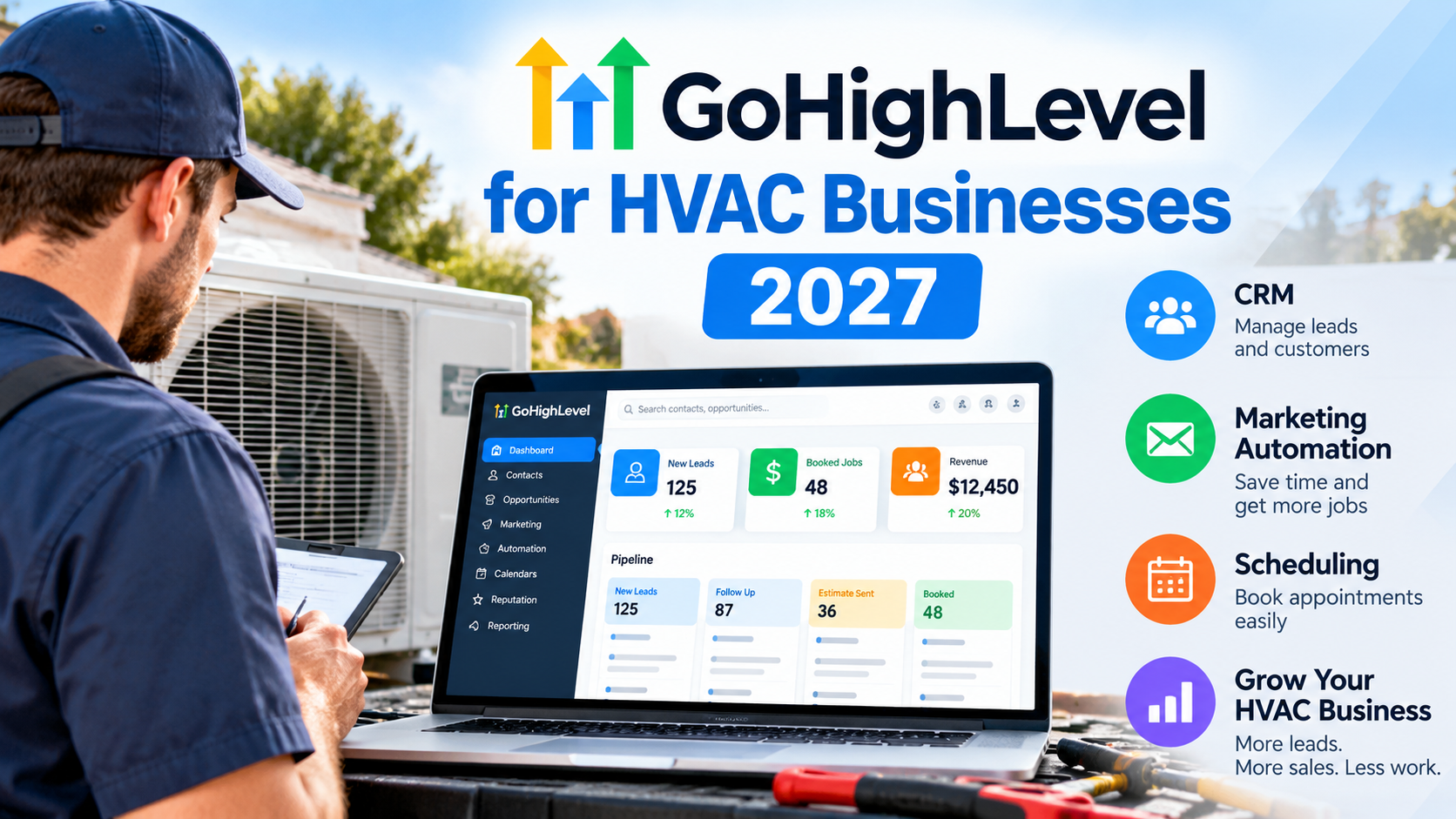
4. GoHighLevel – Best for HVAC Marketing and Lead Management
GoHighLevel is a CRM and marketing automation platform that can help HVAC businesses manage leads, communicate with potential customers, and improve their marketing activities.
Unlike traditional HVAC field service management software, GoHighLevel focuses primarily on customer relationship management, lead generation, marketing automation, and sales follow-ups. It offers tools for managing customer contacts, creating marketing campaigns, building landing pages, and automating certain communications.
For HVAC contractors looking to attract new customers and improve their lead follow-up processes, GoHighLevel may be a useful addition to their business operations. However, companies requiring advanced technician dispatching, field service scheduling, or job management may also need dedicated HVAC field service software.
Key Features of GoHighLevel
- Customer Relationship Management (CRM): Organize customer contacts, manage leads, and track potential sales opportunities.
- Marketing Automation: Create automated follow-up campaigns using email, SMS, and other supported communication channels.
- Sales Pipelines: Track leads from their initial enquiry through to booking or conversion.
- Landing Pages and Funnels: Build landing pages and marketing funnels to attract potential HVAC customers.
- Appointment Booking: Allow customers to schedule consultations or appointments through supported calendar tools.
- Reputation Management: Help businesses request and manage customer reviews.
Advantages
- Combines CRM and marketing automation tools in one platform.
- Helps HVAC businesses organize leads and follow up with potential customers.
- Supports automated marketing campaigns and customer communication.
- Offers tools for improving online marketing and lead conversion processes.
Limitations
- Not a complete replacement for dedicated HVAC field service management software.
- Advanced automation features may require time to learn and configure.
- Certain services, including SMS and email sending, may involve additional usage-based charges.
- Businesses needing technician dispatching and detailed job management may require separate software.
Best For: HVAC businesses that want to improve lead generation, automate customer follow-ups, and manage their marketing and sales activities more effectively.
Explore GoHighLevel Features and Pricing
HVAC Business Software Comparison Table (20274
| Software | Main Purpose | Key Features | Best For |
| Housecall Pro | Field Service Management | Scheduling, dispatching, CRM, invoicing, payments | Small and growing HVAC businesses |
| Jobber | Field Service Management | Scheduling, quotes, customer management, invoicing | Small HVAC service teams |
| ServiceTitan | Advanced Field Service Management | Dispatching, CRM, estimating, reporting, analytics | Established and larger HVAC companies |
| GoHighLevel | CRM & Marketing Automation | Lead management, sales pipelines, email and SMS automation | HVAC businesses focused on marketing and lead generation |
How to Choose the Best HVAC Business Software
Choosing the best HVAC business software depends on your company’s size, budget, daily operations, and long-term goals. Before selecting a platform, consider the following factors:
1. Consider Your Business Size
Small HVAC businesses may benefit from straightforward software that combines scheduling, customer management, and invoicing. Larger companies may need advanced dispatching, reporting, and management tools.
2. Identify Your Most Important Features
Determine which tasks you want to improve. If scheduling technicians and managing service jobs are your priorities, consider field service management platforms such as Housecall Pro or Jobber. If generating leads and automating marketing are more important, GoHighLevel may be worth exploring.
3. Compare Pricing and Subscription Plans
Evaluate monthly or annual subscription costs, user limits, additional fees, and the features included in each plan. The cheapest option is not always the best value if it lacks essential tools.
4. Check Mobile Accessibility
HVAC technicians frequently work away from the office. Software with suitable mobile features can help them access job information, communicate with customers, and update work records in the field.
5. Consider Integrations and Future Growth
Check whether the software integrates with your existing accounting, payment, and communication tools. Choosing a platform that can support additional employees and increasing workloads may help avoid switching systems later.
6. Request a Demo or Trial
Before committing to a subscription, explore any available demonstrations or trials. Test the features most important to your business and confirm that the platform fits your daily workflow.
Ultimately, the best HVAC business software is the solution that meets your operational needs, fits your budget, and supports your company’s future growth.
HVAC CRM vs. Field Service Management Software: What’s the Difference?
HVAC businesses often use customer relationship management (CRM) software and field service management (FSM) software, but these tools serve different purposes.
HVAC CRM software focuses on managing customer relationships, tracking leads, organizing contact information, and improving sales and marketing communication.
Field service management software focuses on daily service operations, including technician scheduling, dispatching, job tracking, estimates, and invoicing.
Some platforms combine both types of functionality, while others specialize in particular areas. Understanding these differences can help HVAC contractors choose software that matches their business needs.
Read our detailed guide: HVAC CRM vs. Field Service Management Software (2027 Guide)
Frequently Asked Questions About HVAC Business Software
1. What is the best HVAC business software for small businesses?
The best HVAC business software depends on the company’s size and operational needs. Housecall Pro and Jobber are worth considering for scheduling, invoicing, and field service management. GoHighLevel focuses more on CRM and marketing automation, while ServiceTitan offers comprehensive tools for established and growing HVAC companies.
2. How much does HVAC business software cost?
HVAC business software pricing varies depending on the provider, subscription plan, number of users, and included features. Some platforms offer different pricing tiers, while others require a customized quote. Businesses should check official provider websites for current pricing and any additional fees.
3. Do small HVAC businesses need CRM software?
CRM software can be useful for small HVAC businesses that want to organize customer information, track enquiries, and manage follow-up communications. However, businesses primarily focused on technician scheduling and service jobs may benefit more from field service management software that includes customer management features.
4. Can HVAC business software help with scheduling and invoicing?
Yes. Many HVAC field service management platforms provide scheduling, technician dispatching, estimates, invoicing, and payment tracking. These tools can help contractors organize appointments, reduce paperwork, and manage daily operations more efficiently.
5. What is the difference between HVAC CRM and field service management software?
HVAC CRM software primarily focuses on customer relationships, lead tracking, and sales communication. Field service management software focuses on operational tasks such as scheduling, dispatching, job management, and invoicing. Some platforms combine both types of functionality.
Conclusion: Choosing the Best HVAC Business Software for 2027
Choosing the best HVAC business software for 2027 depends on your company’s size, budget, and operational priorities. The right platform can help simplify daily tasks, improve customer communication, and support business growth.
For small and growing HVAC businesses, Housecall Pro and Jobber offer useful tools for scheduling, customer management, estimates, and invoicing. ServiceTitan may be a better fit for established companies requiring more comprehensive field service management and reporting capabilities.
If your main priority is attracting new customers, managing leads, and automating marketing communications, GoHighLevel is another option worth considering.
Before making a decision, compare the features, subscription plans, and available demonstrations of each platform. Consider both your immediate business requirements and your long-term goals.
Ready to explore your options? Review the software comparisons above and visit the providers’ websites to find a solution that suits your HVAC business.