Affiliate disclosure: This article may contain affiliate links. If you purchase through these links, we may earn a commission at no additional cost to you.
Running a small HVAC business in the United States involves more than installing air conditioners and repairing heating systems. The best HVAC CRM software helps contractors manage customer inquiries, schedule service appointments, prepare estimates, send invoices, and follow up with homeowners.
Besides traditional HVAC CRM software, some contractors also need tools to attract new customers and automate follow-ups. GoHighLevel focuses on marketing automation, lead generation and customer communication. Read our GoHighLevel for HVAC Businesses review to discover whether it could be a good fit for your HVAC company.
Choosing the best HVAC CRM software for small businesses can help contractors organise customer information, reduce administrative work and improve day-to-day operations. Whether you’re looking for CRM software for an HVAC company or a complete field service management solution, selecting the right tools depends on your business size, budget and requirements.
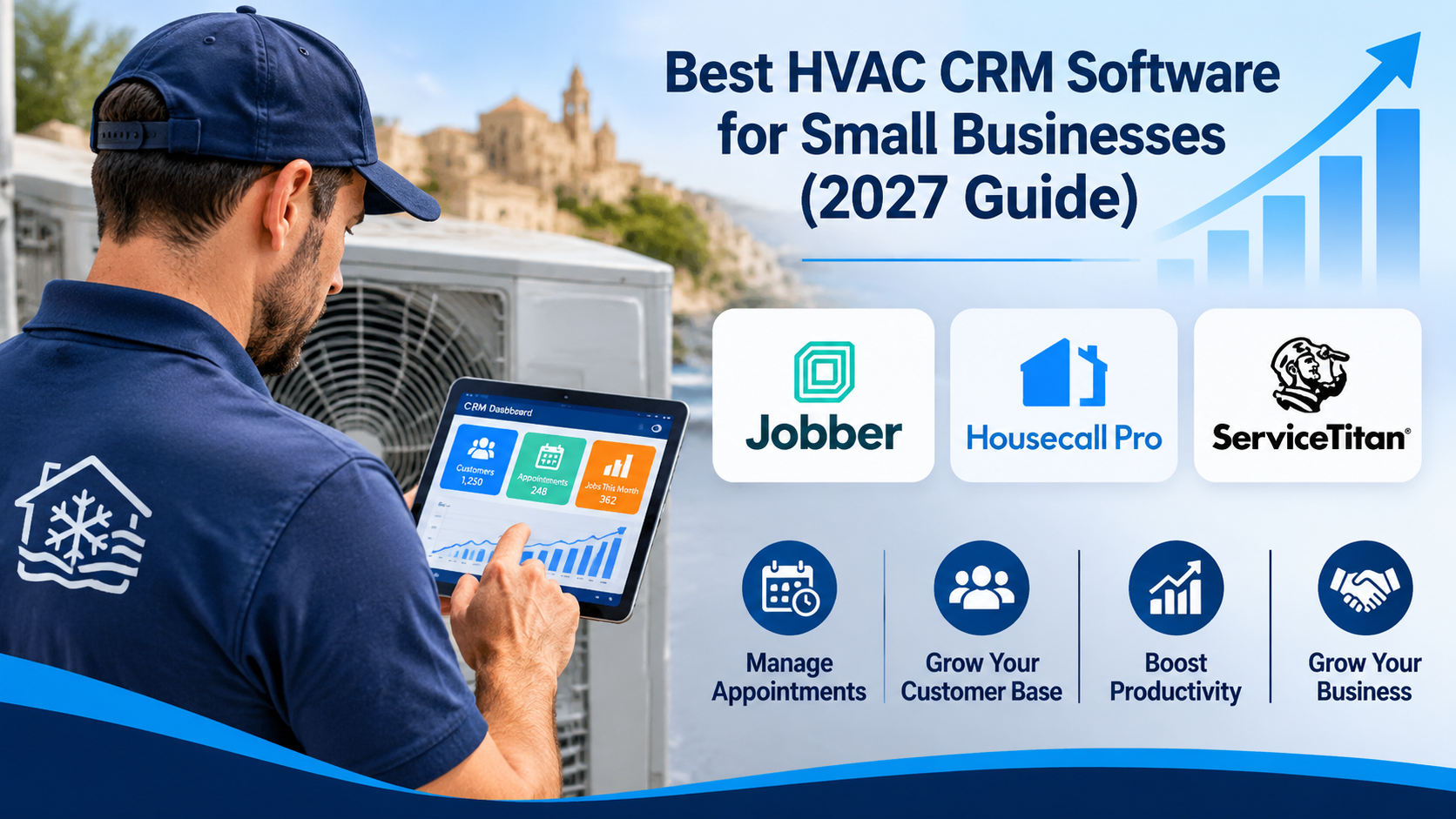
In this 2027 guide, we compare three popular HVAC software options: Jobber, Housecall Pro and ServiceTitan. We’ll explore their features, advantages, limitations and suitability for smaller HVAC businesses to help you make an informed decision before investing in software.
What Is HVAC CRM Software?
HVAC CRM software helps heating, ventilation, and air conditioning businesses organise customer information and manage interactions with customers.
Depending on the platform, these tools can also help contractors schedule service appointments, track job progress, create estimates, send invoices, and communicate with customers.
For a small HVAC company, having these features in one system can reduce paperwork and make everyday operations easier to manage. Some platforms focus mainly on customer relationships, while others offer broader field service management features for technicians working on-site.
Best HVAC CRM Software Options for 2027
1. Jobber — CRM and Job Management for HVAC Businesses
Jobber overview
Designed for service-based businesses, Jobber helps HVAC companies manage their daily operations more efficiently..
It helps businesses organise customer information, schedule jobs, prepare quotes, manage invoices, and keep track of work from the initial customer enquiry through to payment.
For smaller HVAC businesses, Jobber may be worth considering because it combines customer management with everyday job administration. However, businesses with more complex dispatching, inventory, or operational requirements should check whether its features meet their needs.
Key features of Jobber
- Customer management: Store customer details, service history, and job information.
- Scheduling: Organise appointments and assign jobs to team members.
- Quotes and estimates: Prepare and send quotes to customers.
- Invoicing: Create invoices and track payments.
- Customer communication: Send appointment reminders and job updates, depending on the plan and settings.
Advantages of Jobber
- Combines customer records, scheduling, quotes, and invoicing in one platform.
- May help small HVAC teams reduce administrative work.
- Provides tools for managing jobs from enquiry to payment.
- Offers mobile access for technicians working away from the office.
Potential limitations of Jobber
- Some features may require higher-priced subscription plans.
- Businesses with complex inventory or dispatching needs may require additional tools.
- Subscription costs can increase as a business grows or adds users.
- Not every feature will be necessary for a very small HVAC operation.
2. Housecall Pro — Field Service Management Software for HVAC Businesses
Housecall Pro overview
For HVAC contractors looking to simplify their daily work, Housecall Pro offers tools to manage customer bookings, scheduling, invoicing, and payments. It helps companies manage everyday operations, from receiving customer enquiries and scheduling appointments to preparing estimates, invoicing, and collecting payments.
For small HVAC businesses, Housecall Pro brings several important activities together in one system. Depending on the subscription plan, businesses can manage customer information, organise jobs, communicate with customers, and provide technicians with access to job details while working in the field.
Housecall Pro may be particularly useful for HVAC companies looking to improve scheduling, reduce administrative work, and create a more organised customer experience.
Key features of Housecall Pro.
- Customer management: Keep customer details, job records, and service history organised.
- Scheduling and dispatching: Schedule appointments and assign technicians to jobs.
- Estimates: Create and send quotes to customers.
- Invoicing and payments: Generate invoices and collect payments.
- Customer communication: Send appointment reminders and job updates.
- Mobile app: Allow technicians to access job details while working in the field.
Advantages of Housecall Pro
- Combines customer management, scheduling, estimates, and invoicing in one platform.
- Helps HVAC businesses organise appointments and technician assignments.
- Offers mobile access so technicians can view job information while working in the field.
- Provides customer communication tools that may help improve the overall customer experience.
Potential limitations of Housecall Pro.
- Some advanced features may require higher-priced subscription plans.
- Subscription costs may increase as a business adds users or needs more features.
- Businesses with complex inventory or operational requirements should check whether the platform meets their needs.
- Smaller HVAC businesses may not need all the features available.
Explore Housecall Pro Features and Pricing
3. ServiceTitan — Field Service Management Software for HVAC Businesses
ServiceTitan overview
For established and growing HVAC businesses, ServiceTitan provides a comprehensive platform for managing customer relationships, technician scheduling, invoicing, and daily operations. In addition, the software supports technician dispatching, estimates, performance tracking, and other tasks that help HVAC companies manage their daily operations.
The platform offers a broad range of features that can help HVAC companies coordinate office operations and field technicians. These may include customer records, dispatching tools, reporting, and options for managing sales and service workflows.
ServiceTitan may be particularly suitable for established or growing HVAC companies that need more advanced operational tools. Smaller businesses should carefully consider the platform’s features, pricing, and implementation requirements before deciding whether it is the right choice.
Key features of ServiceTitan
- Customer management: Maintain customer records, service history, and job details.
- Scheduling and dispatching: Organise appointments and assign technicians to jobs.
- Estimates and proposals: Prepare and present service or installation estimates.
- Invoicing and payments: Manage invoices and payment collection.
- Reporting and analytics: Review business performance and operational information.
- Mobile tools: Give field technicians access to job information and relevant workflows.
Advantages of ServiceTitan
- Combines customer management, scheduling, dispatching, and invoicing in one platform.
- Offers reporting tools that can help HVAC businesses monitor performance.
- Supports coordination between office staff and field technicians.
- Provides tools for managing complex service operations as a business grows.
Potential limitations of ServiceTitan
- ServiceTitan may be more complex than smaller HVAC businesses need.
- Pricing and implementation costs should be carefully evaluated before subscribing.
- Learning to use its advanced features may require additional training.
- Businesses with simple scheduling and invoicing needs may find a less complex platform more suitable.
Jobber vs Housecall Pro vs ServiceTitan: Which Is Best?
Jobber, Housecall Pro, and ServiceTitan all offer tools to help HVAC businesses manage customers and daily operations. However, they differ in their complexity, features, and suitability for different business sizes. The comparison below highlights their main differences to help you decide which platform may be the best fit.
| Software | Best suited for | Main strengths | Considerations |
| Jobber | Small HVAC teams | Customer and job management | Check plan features |
| Housecall Pro | Small and growing HVAC companies | Scheduling and customer communication | Check subscription costs |
| ServiceTitan | Growing and established companies | Advanced operations and reporting | Complexity and implementation |
Not sure whether your HVAC business needs CRM software or a complete field service management system? Read our HVAC CRM vs. Field Service Management Software (2027 Guide) to understand the key differences and choose the right solution for your business.
Looking for HVAC marketing automation software?
While Jobber, Housecall Pro and ServiceTitan focus on field service management, GoHighLevel offers a different approach. It focuses on lead generation, customer follow-ups and marketing automation.
Read our GoHighLevel for HVAC Businesses (2027) Review to explore its features, pricing and whether it could help grow your HVAC company.
Frequently Asked Questions About HVAC CRM Software
What Is the Best CRM Software for a Small HVAC Business?
For many small HVAC businesses, Jobber can be a practical starting point because it combines customer management, scheduling, estimates and invoicing in one platform. Housecall Pro is another option for HVAC companies looking to manage technicians, appointments and customer communication. The best CRM depends on your business size, budget and specific needs. Compare current pricing and features, and consider requesting a demonstration before making your decision.
What Is the Difference Between HVAC CRM and Field Service Management Software?
HVAC CRM software focuses on managing customer information, enquiries, communication and follow-ups. Field service management software focuses on daily operations such as scheduling appointments, dispatching technicians, tracking jobs and creating invoices. Many platforms, including Jobber, Housecall Pro and ServiceTitan, combine CRM and field service management features. The right choice depends on whether your HVAC business needs better customer relationship management, operational tools or both.
How Much Does HVAC CRM Software Cost?
The cost of HVAC CRM software varies depending on the provider, subscription plan, number of users and features included. Jobber and Housecall Pro offer different pricing plans for small and growing service businesses, while ServiceTitan generally provides customised pricing based on business requirements. Additional features, integrations and user licences may increase the total cost. Before subscribing, visit each provider’s official website to compare current US pricing, available trials and any additional fees.
Do Small HVAC Businesses Need CRM Software?
Small HVAC businesses do not necessarily need CRM software when starting out, but it can become valuable as their customer base grows. CRM software helps HVAC contractors organise customer details, track enquiries, schedule appointments and manage follow-ups. It can also reduce administrative work and help prevent missed opportunities. For small HVAC companies in the United States, choosing an affordable, easy-to-use CRM with the right features can support better customer service and business growth.
Which HVAC CRM Software Should You Choose?
Choosing the right HVAC CRM software depends on your business size, budget, and daily operational needs. Each of the three platforms discussed in this guide offers different advantages.
Jobber may be a good starting point for smaller HVAC businesses looking for straightforward customer management, scheduling, and invoicing. Housecall Pro may suit small and growing HVAC companies that want to improve scheduling, technician coordination, and customer communication. ServiceTitan may be better suited to established or expanding HVAC businesses that require more advanced reporting and operational management tools.
Before choosing a platform, compare current pricing, subscription features, integrations, and available demonstrations or trials. The best solution is the one that meets your business requirements without adding unnecessary complexity or expense.